
BlackStandard capacity

Original Xerox
Xerox 006R04677 Original Black Standard Capacity Toner Cartridge Works With Xerox C410, VersaLink C415
Single cartridge
Up to 2400 pages · 7.61¢ per page
$182.56 CAD


The Xerox VersaLink C415 is a colour multifunction device with a touchscreen interface and automatic document feeder. It supports document output and capture from one machine; its user guide explains scan workflows, paper-source settings and colour-supply replacement.
Compare the exact cartridge numbers and rated page yields below for the VersaLink C415. Select the requested colour and capacity; a multipack is useful when several colours need replacement.
Compare 10 matching toner and pack options for Xerox VersaLink C415.
Single cartridge
Up to 2400 pages · 7.61¢ per page

Single cartridge
Up to 2000 pages · 9.49¢ per page

Single cartridge
Up to 2000 pages · 9.49¢ per page
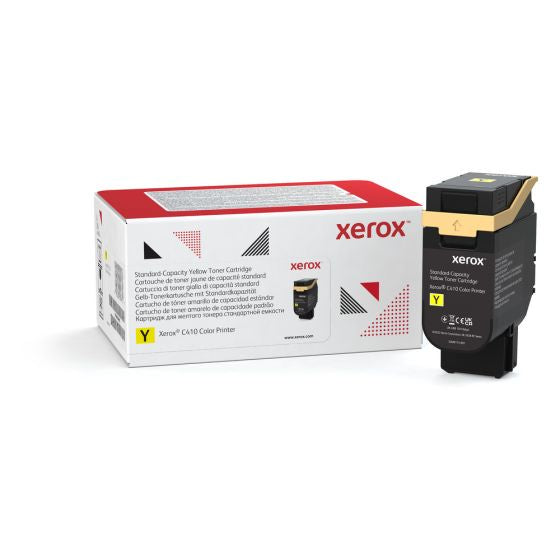
Single cartridge
Up to 2000 pages · 9.49¢ per page

Single cartridge
Up to 10500 pages · 3.07¢ per page
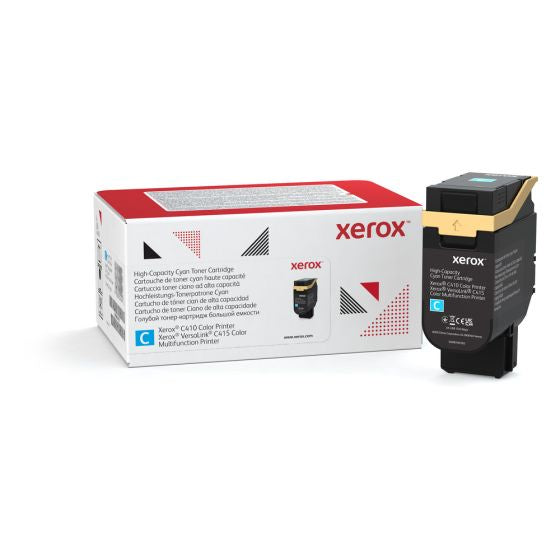
Single cartridge
Up to 7000 pages · 5.76¢ per page
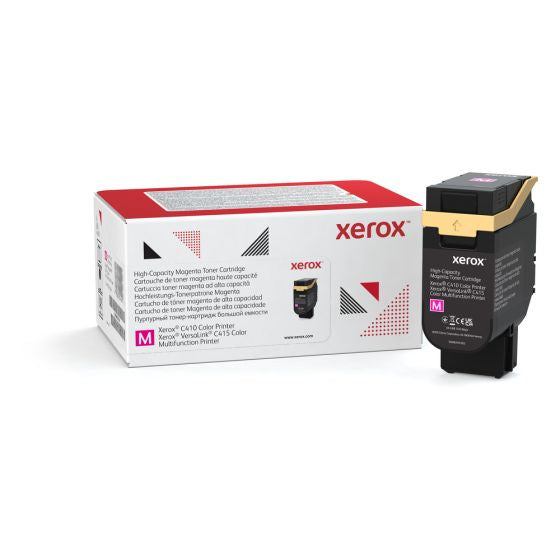
Single cartridge
Up to 7000 pages · 5.76¢ per page
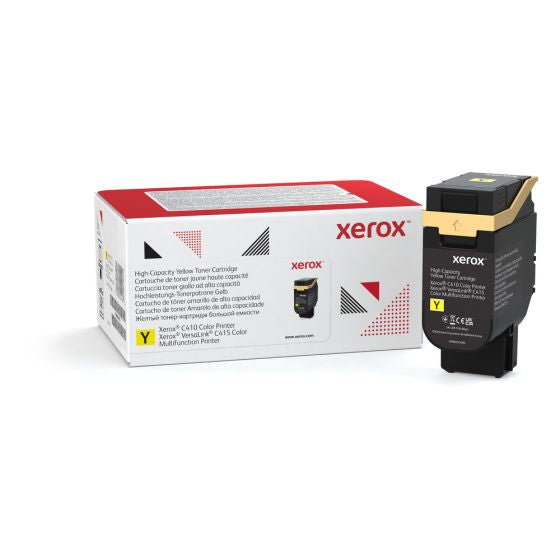
Single cartridge
Up to 7000 pages · 5.76¢ per page

Multipack
Check product details for pack contents and yield.

Multipack
Check product details for pack contents and yield.
No supplies match these filters. Try clearing a filter.
Page yields are estimates per cartridge. Actual results vary with content, printer settings and use. Extra black cartridges do not increase colour yield. Compare the stated pack contents and yield details on each product.
| Cartridge | Colour | Capacity | Rated pages |
|---|---|---|---|
| 006R04677 | Black | Standard capacity | 2,400 |
| 006R04678 | Cyan | Standard capacity | 2,000 |
| 006R04679 | Magenta | Standard capacity | 2,000 |
| 006R04680 | Yellow | Standard capacity | 2,000 |
| 006R04685 | Black | High capacity | 10,500 |
| 006R04686 | Cyan | High capacity | 7,000 |
| 006R04687 | Magenta | High capacity | 7,000 |
| 006R04688 | Yellow | High capacity | 7,000 |
Rated yields are estimates per cartridge. Actual output varies with document coverage, print settings and use. Multipack yields are not added into one combined colour yield.
Disclaimer: Xerox and Xerox are trademarks of their respective owners. Brand names, model numbers and product images are used for identification and compatibility reference. Product photos, logos and other brand assets remain the property of their respective manufacturers or rights holders. Some product images have been edited or assembled for illustration; actual packaging and appearance may vary. INK44 is an independent retailer and is not affiliated with or endorsed by Xerox. Remanufactured and compatible cartridges are third-party products, not original Xerox supplies. Page yields are estimates; actual results vary with printing conditions and use. Confirm your printer model and cartridge number before ordering.